Details
By double-clicking on a row in the health check's checklist table, a dialog will open that contains all information about this check element.
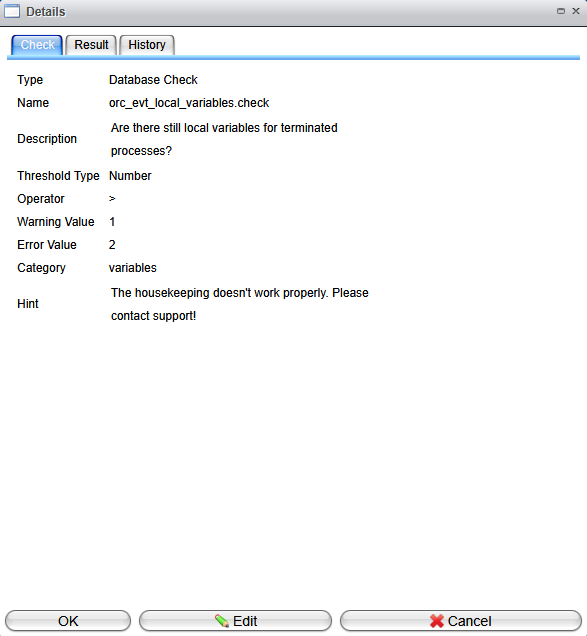
The Details view includes three different tabs:
-
Check: This tab shows the configuration of this check. It can be modified after clicking the
Editbutton. -
Result: This tab displays the detailed result information of the last execution.
-
History: The History tab presents a table of all previous executions:

Double-clicking on a row here will also provide you with the detailed result information for that execution.